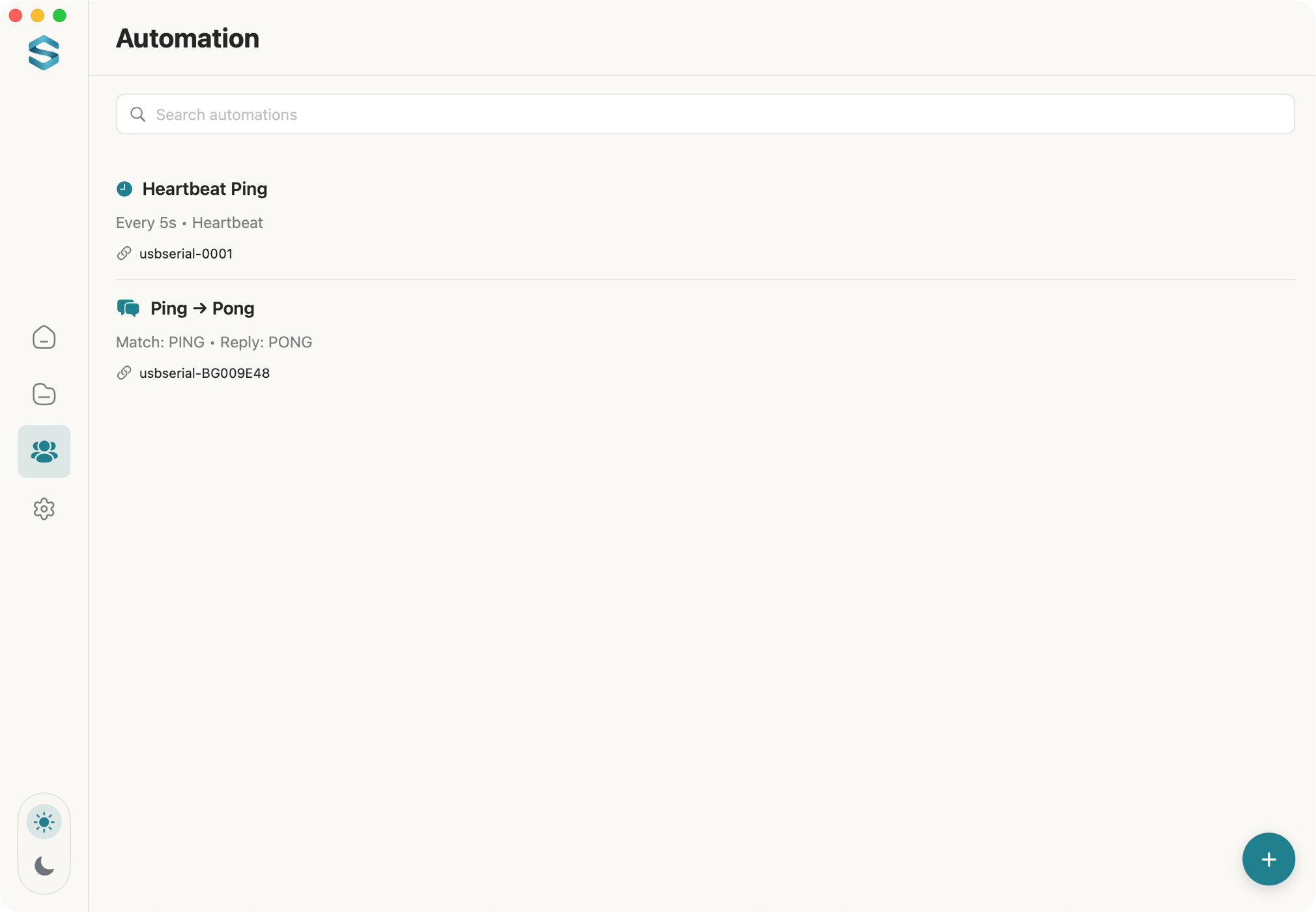
Everything you need in one Serial Terminal for Mac app for serial port debugging.
Protocol Inspector
New in 1.4
Split the live stream into frames, decode named fields, and verify the checksum. Modbus RTU is built in.
Quick Setup
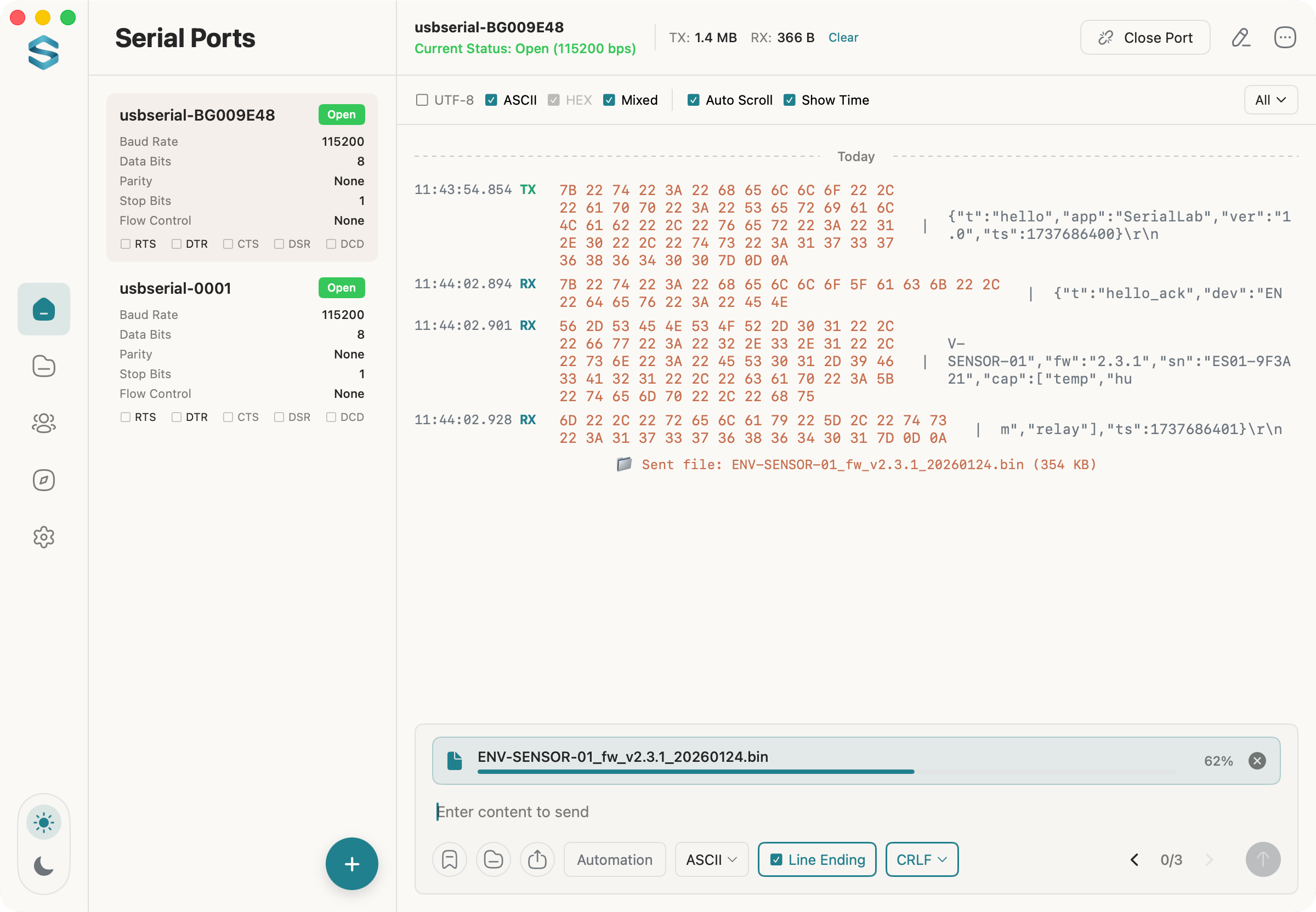
Configure port, baud rate, data bits, parity, and stop bits with one click.
Dual View Debugging
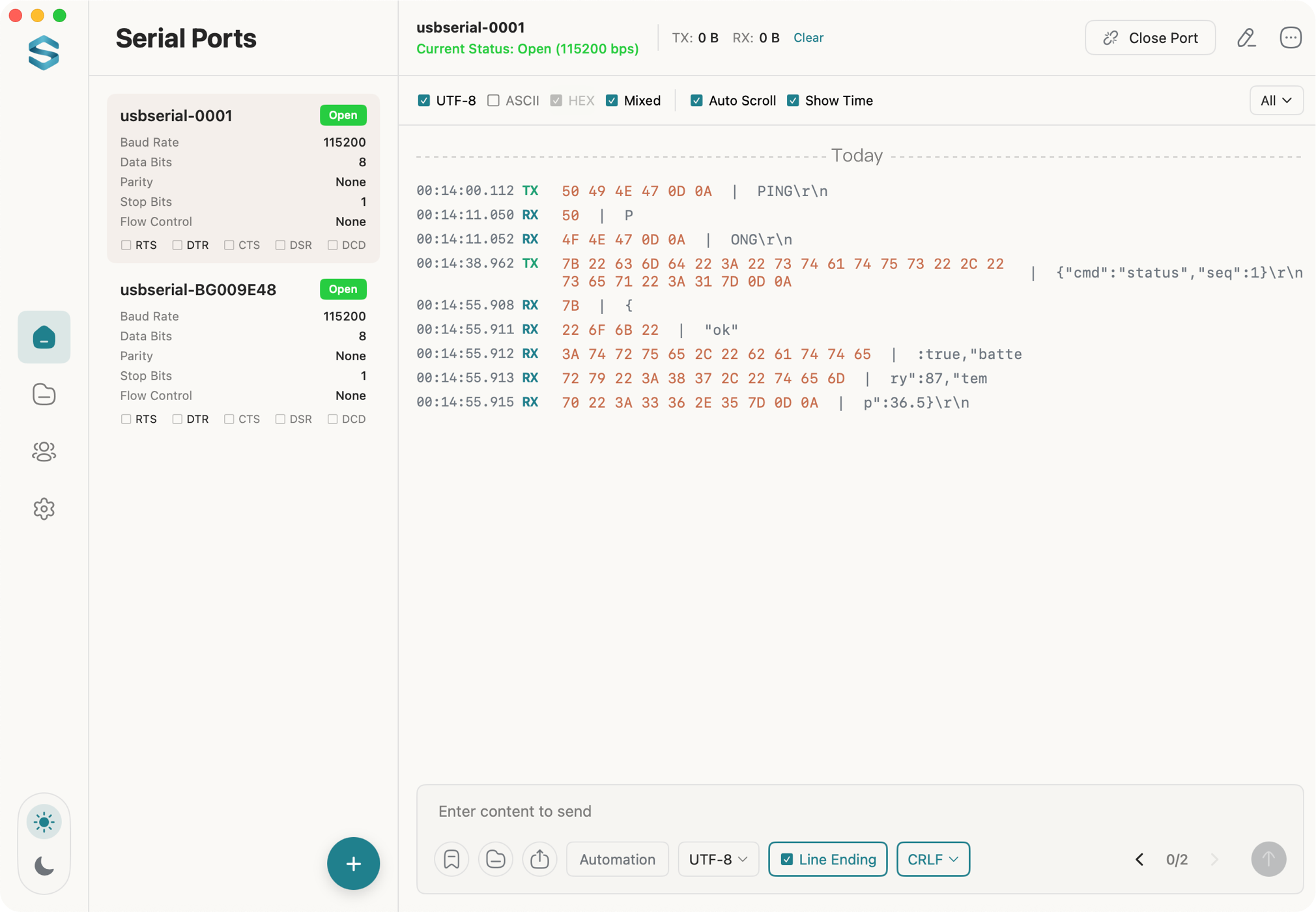
Text/HEX dual view with encoding support and line endings (LF/CRLF).
Terminal Mode
VT100/Xterm terminal emulation with shell access, local echo, and quick command shortcuts.
Efficiency Tools
Timestamps, auto-scroll, search and filter, right-click copy, and a Text View for selecting across lines.
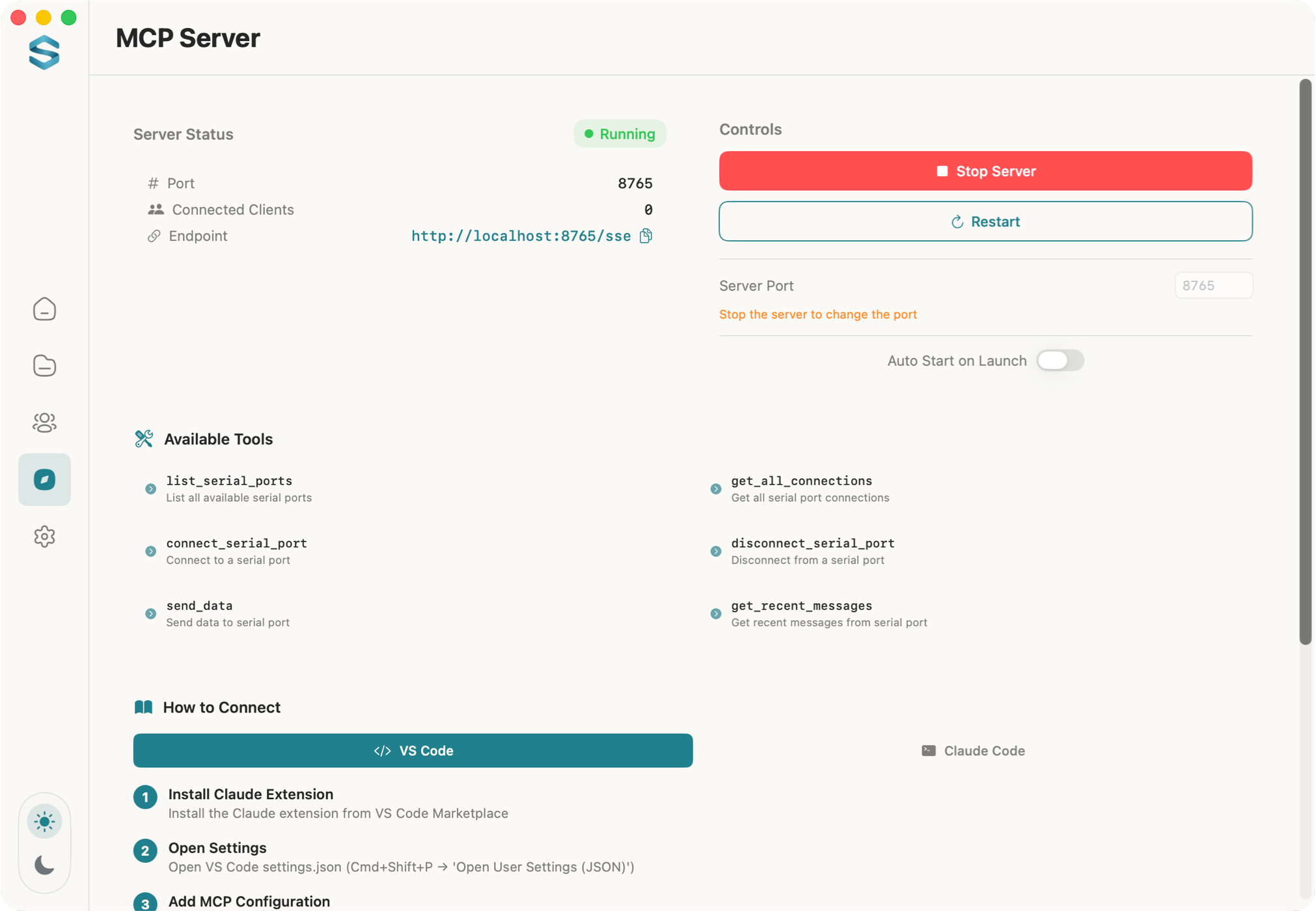
MCP Service
Built-in MCP server with SSE protocol support for AI integration.
Data Export
Save logs locally, and export filtered protocol frames as CSV or JSON.
Send Tools
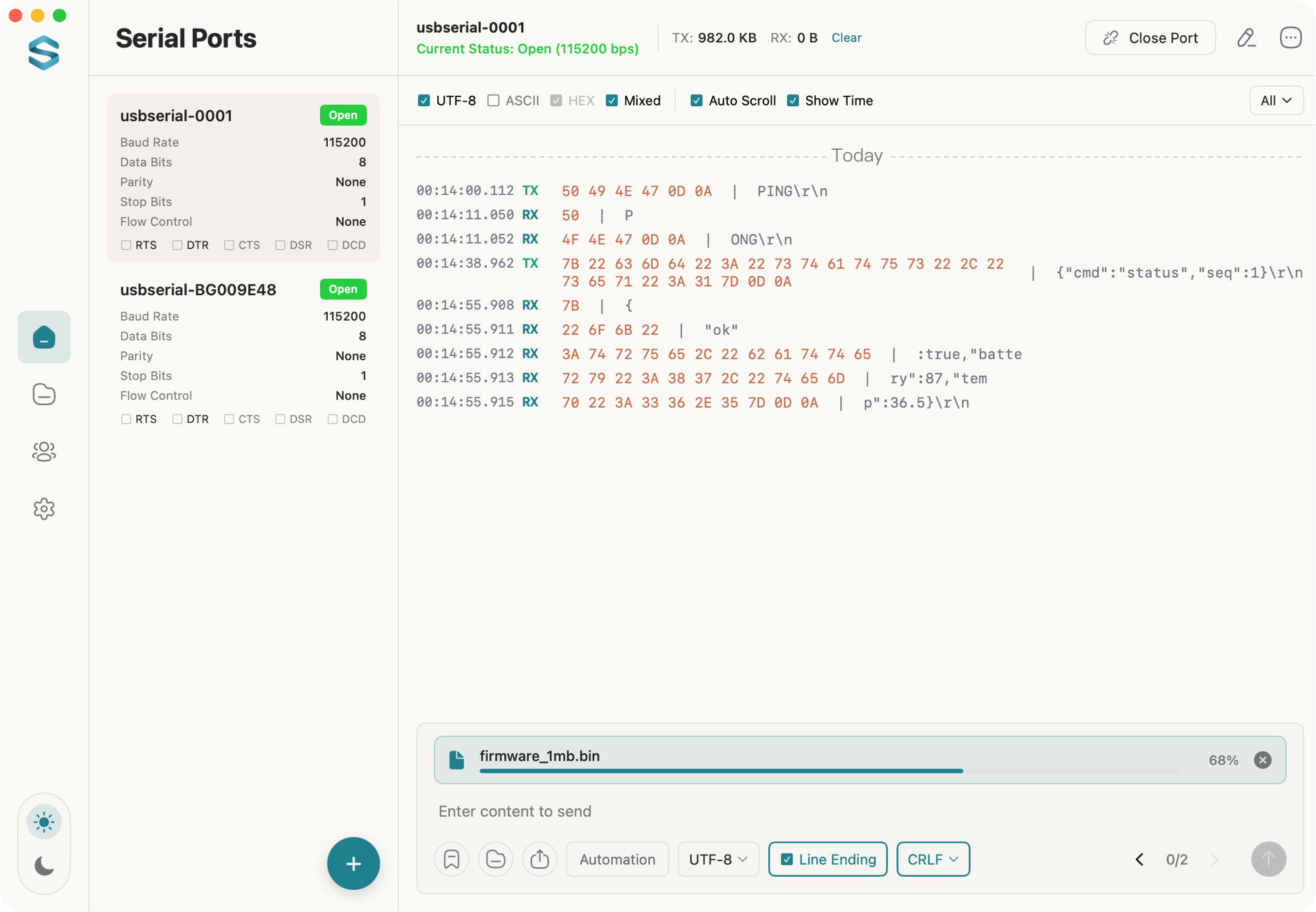
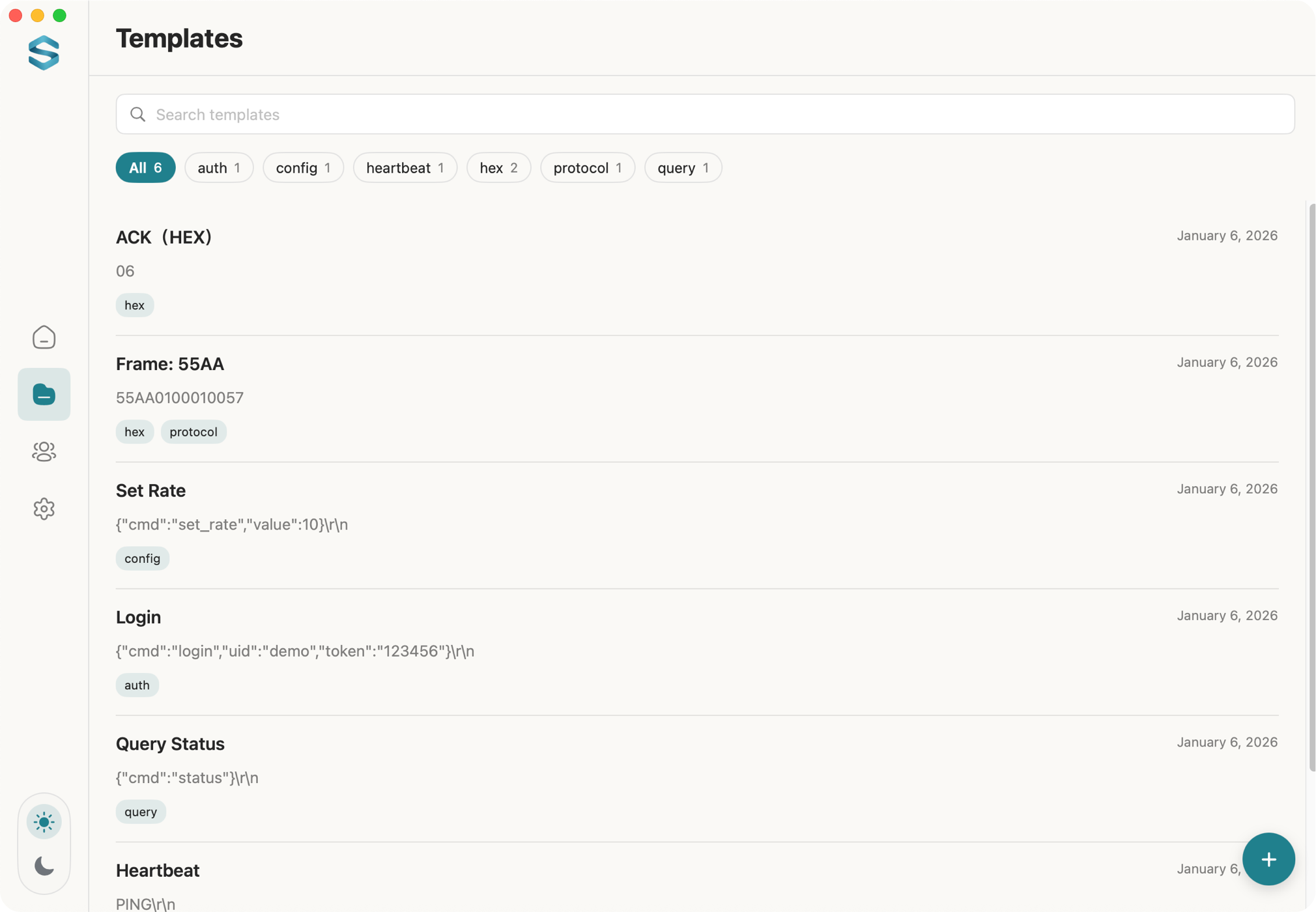
Quick send, timed/loop send, and file transfer with progress tracking.
Wide Compatibility
Supports all USB serial ports and RS232/RS485 adapters.